How Animatid compares
Price, time, skill and quality for a 30-second branded video, side by side with motion design software, editors and AI footage generators.
Which tool for which job
Every tool here is good at something. Here is the short answer for each.
- Pick After Effects for
- Total, hand-built control for motion designers
- Pick Animatid for
- Branded motion graphics from a description, in minutes
- Pick CapCut for
- Cutting your own footage with trending effects
- Pick Animatid for
- Designed, branded videos when you start from an idea, not footage
- Pick Higgsfield for
- Cinematic, photoreal generated footage
- Pick Animatid for
- Videos where your exact words, logo and brand must be right
- Pick Runway for
- Generated footage for films and concept pieces
- Pick Animatid for
- Finished marketing videos with real text, media and voice-over
- Pick Canva for
- Static designs, docs and hands-on editing
- Pick Animatid for
- Animated videos designed for you, changed by chat
All six, point by point
| Animatid | After Effects | CapCut | Higgsfield | Runway | Canva | |
|---|---|---|---|---|---|---|
| Price | Pay per video, no subscription: $3 per credit. First video free | From about $23/month on an annual plan (single app); about $35/month month to month | Free plan; Pro about $20/month or $180/year (US) | Free with a watermark; Starter $19/month (270 credits) up to Ultra $129/month | 125 free one-time credits; Standard $15/month (625 credits, about 52 seconds of Gen-4.5 video); Pro $35/month | Free plan; Pro $144/year for one person (US) |
| A 30-second branded video | 2 credits ($6); 3 credits ($9) with an AI voice-over | The subscription plus your time, or a motion designer's fee | Free to about $20/month, plus your editing time | Credits for several short clips plus retries, then editing in another tool | Most of a Standard plan's monthly credits for 30 seconds of footage, before retries | Free to $144/year, plus your design time |
| Time to a finished video | About a minute to describe it; ready in a few minutes | Hours to days for a polished piece | About 30 to 90 minutes with templates and your footage | Minutes per clip, plus retries and assembly in an editor | Minutes per clip, plus retries and assembly in an editor | About 30 to 60 minutes from a template |
| Skill needed | None: describe it in plain words | Professional: keyframes, compositions, easing and expressions | Beginner-friendly timeline editing | Prompting, plus editing skills to assemble clips | Prompting, plus editing skills to finish the video | Easy drag-and-drop |
| What it makes | Designed, branded videos with motion graphics, your photos and clips, stock media, music and voice-over | Any motion design or effect you can build by hand | Edits of your own footage, trend templates, captions and effects | Cinematic AI clips and effects, a few seconds each | AI-generated footage, image-to-video and AI edits of clips | Template-based designs and simple animated videos |
| Your exact text and logo | Exact: real type and your own logo file, never painted by AI | Exact: you set every word | Exact: you type the text | Generated: on-screen words and logos can warp, misspell or change between shots | Generated: on-screen words and logos can warp, misspell or change between shots | Exact: you type the text |
| Changing one detail | Say what to change, or click the spot on the video; first change free | Full control, by hand on the timeline | Manual edits on the timeline | Regenerate the clip and hope everything else stays the same | Edit a clip by prompt; precise text and layout changes are hard | Manual drag-and-drop on each page |
| Brand consistency | Brand kits apply your logo, colors, fonts, tone and call to action to every video | Manual: you build and maintain your own templates | Brand kit on paid plans, applied by hand | Limited: exact colors, fonts and logos aren't guaranteed | Limited: exact colors, fonts and logos aren't guaranteed | Brand Kit on paid plans |
| Voice-over | 20 AI voices in English accents, or your own recording, with scenes timed to the words | Bring your own recording and sync it by hand | Text-to-speech voices or your own recording | Varies by model; often added in another tool | Generative audio tools; usually finished in an editor | Bring your own recording; some AI voice apps |
| Quality | Polished 1080p motion design; the AI checks its own frames before rendering | Top tier, as good as the designer | Social-ready; depends on your footage and editing | Striking cinematic footage; consistency varies between shots | High-end generative footage; text and fine details can drift | Clean but template-like, with preset animations |
| Best for | Businesses and marketers who need on-brand videos fast | Studios and motion designers who need total control | Creators editing their own phone footage | Cinematic shots and effects for creators and ads | Filmmakers and creatives generating footage | Teams who design social posts and simple videos by hand |
Other tools' prices are their published US prices as of October 2026 and may change; check their sites. Times are typical estimates for a 30-second branded video. Product names are trademarks of their owners; Animatid isn't affiliated with them.
What you get back
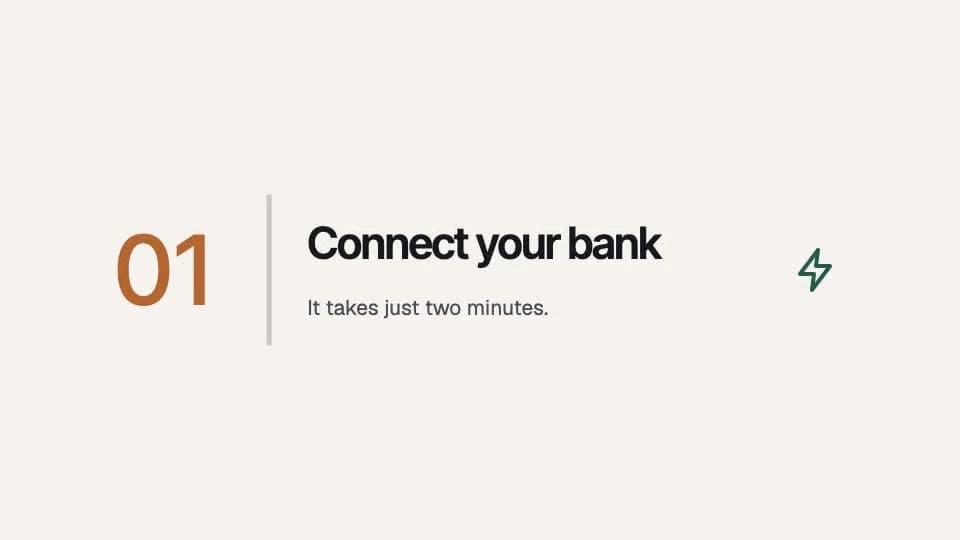
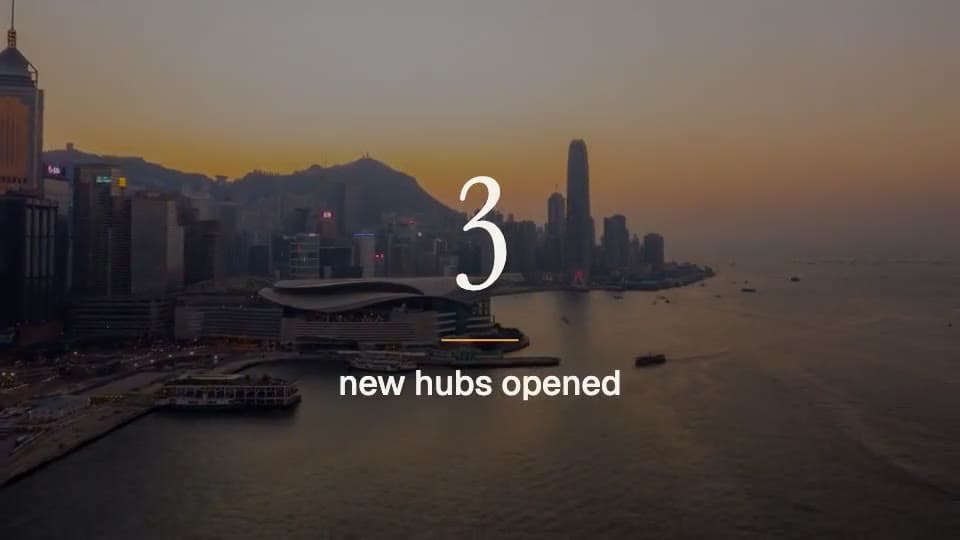
Frames from real Animatid videos: designed scenes, your words set in real type, stock or your own media.

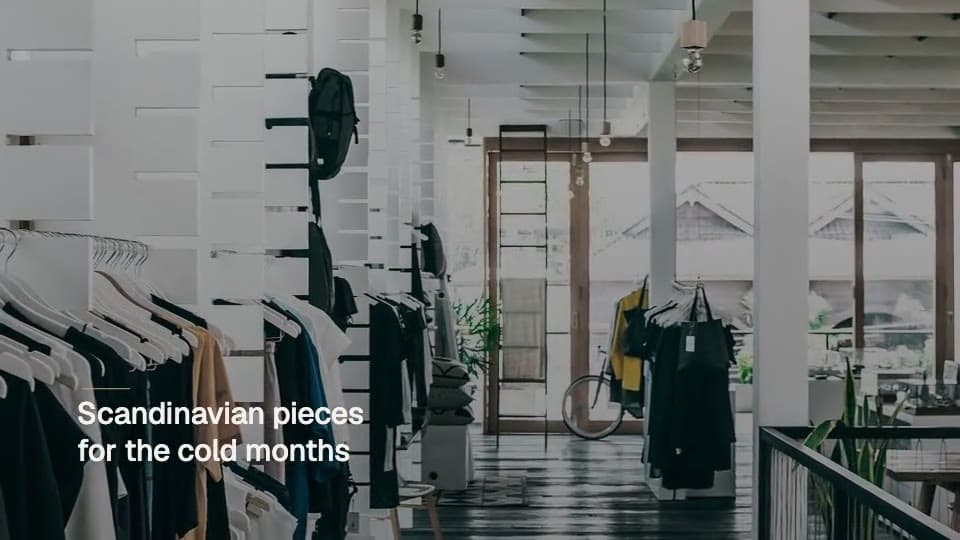

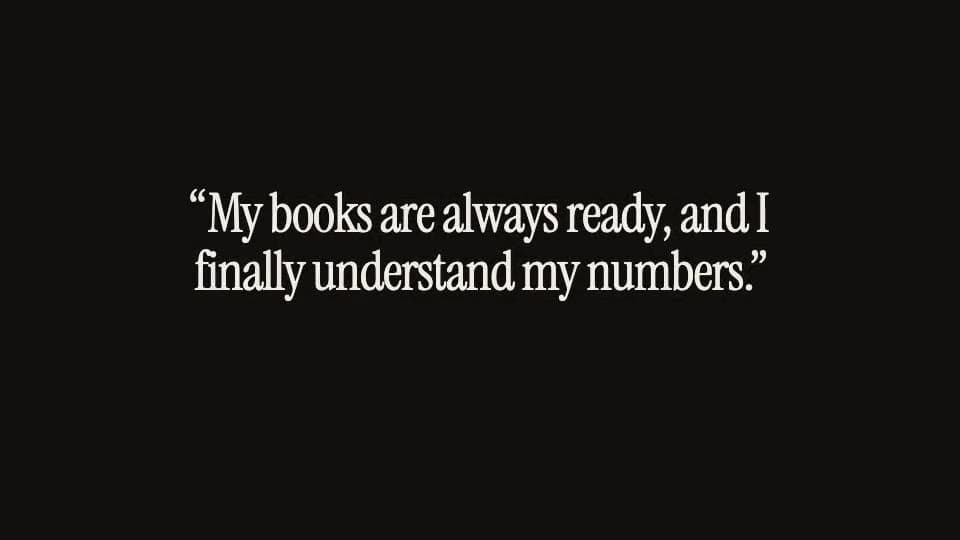
Tell Animatid AI what to change, or click the spot on the video. Every version is kept, and the first change is free.
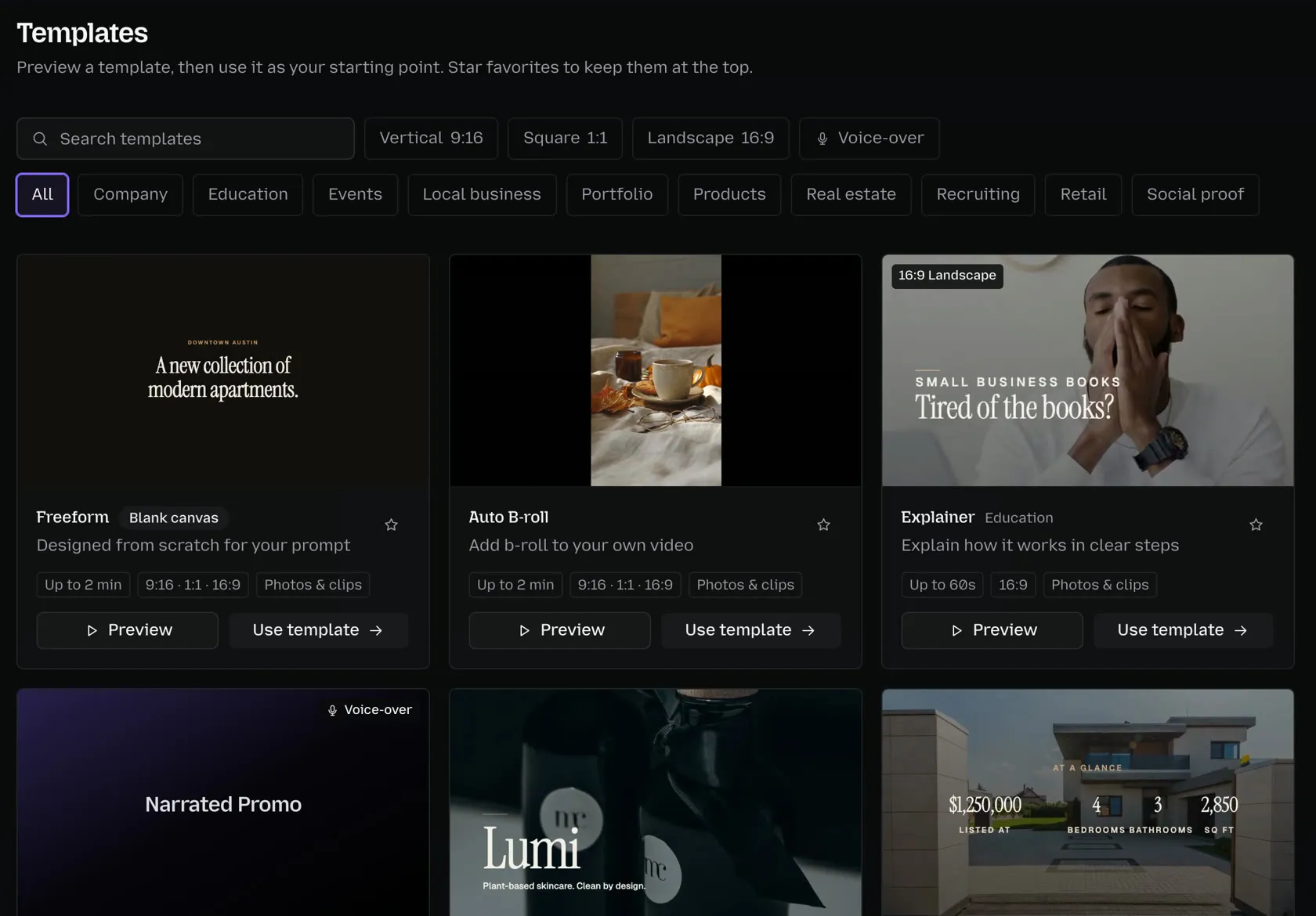
Pick a design direction by format, category or voice-over, or let Animatid AI design from scratch for your brand.
Choosing a video tool
What's the difference between Animatid and AI video generators?+
AI video generators such as Higgsfield and Runway paint every frame, which is great for cinematic footage but makes exact text and logos unreliable, and changing one detail means regenerating. Animatid designs real scenes with your exact words, logo and colors, so every detail can be changed by chat.
Is Animatid cheaper than a subscription?+
Animatid has no subscription: you pay per video with credits that don't expire, and your first video is free. If you make a few videos a month, that usually costs less than a monthly plan plus the time to edit.
When should I use something other than Animatid?+
Use After Effects for custom effects and frame-level control, CapCut to cut your own footage, Runway or Higgsfield for photoreal footage of scenes you can't film, and Canva for static designs. You can bring clips from any of them into Animatid.
See it for yourself
Describe a video and get it back, designed and on brand, in a few minutes. Your first video is free.
Make a free video